







Too many channels to track
Customer requests get buried in the noise
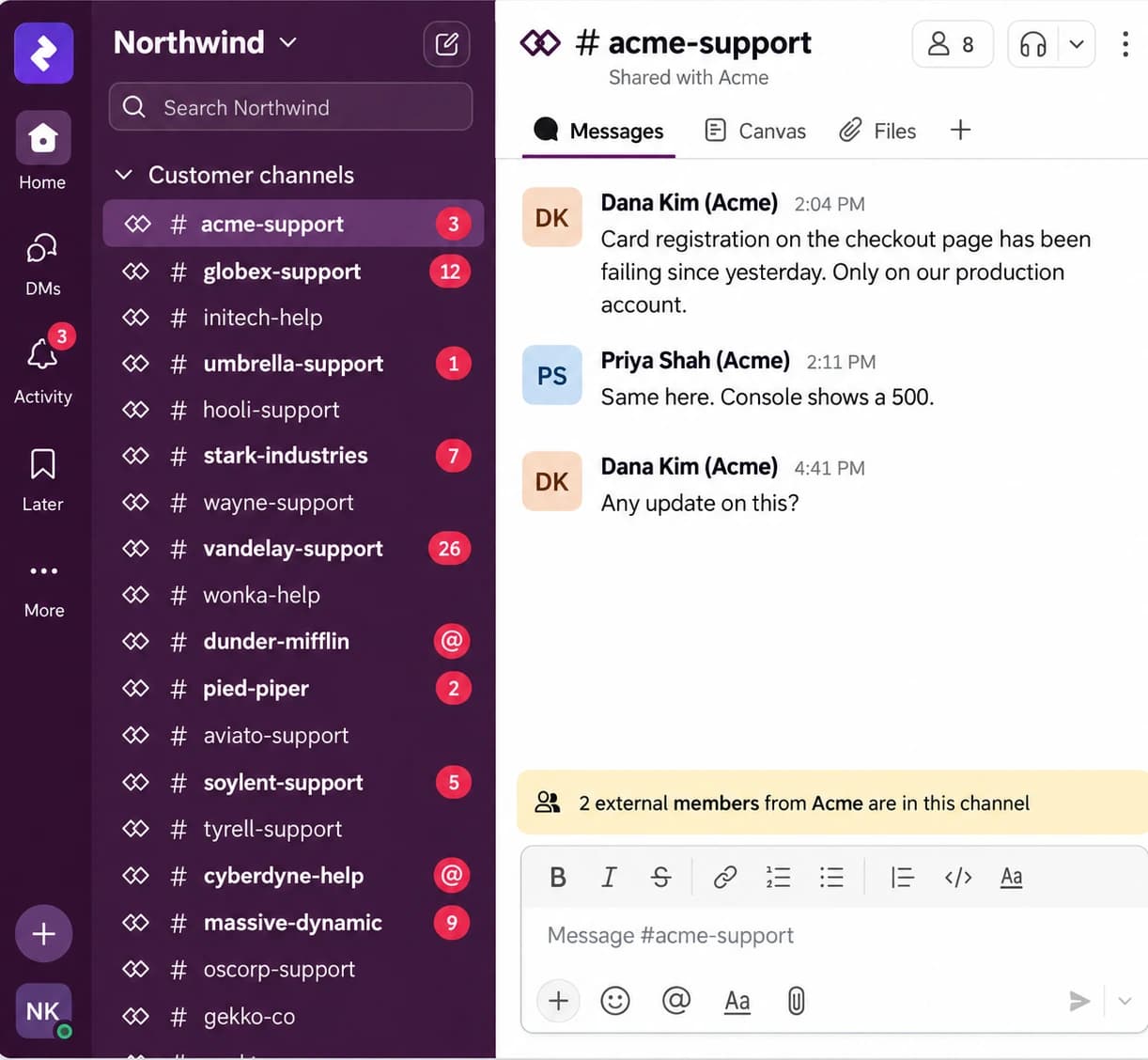
Let AI handle routine questions and help your team follow through on the rest
Trusted by teams at
Customer requests get buried in the noise
Manage customer conversations in Channel Works. Keep team collaboration in Slack.
Keep customer conversations and your team’s work connected
Manage every Slack request in Channel Works
AI answers in Channel Works. Replies appear in Slack.
Keep your team in sync across Channel Works and Slack
Bring customer requests together in Slack
Reply to customers directly from a Slack thread
Ask your team in Slack. Keep every reply with the customer conversation.
Channel Works supports customer conversations in Slack Connect shared channels. Customers can keep using Slack without installing an extra app.
AI uses the context to turn support requests into new conversations or add messages to existing ones. You can also flag messages that need support.
When your team replies from Channel Works, customers receive the reply in their original Slack thread. They can continue the conversation there without switching tools.
Yes. Send conversations received in Channel Works to a designated internal Slack channel, where your team can manage and respond to them. This is separate from private side conversations used to bring teammates into a specific customer request.
Customers can reach you through live chat or email, with those conversations managed in the same inbox as your Slack conversations.