
Kakao CS Talk
You can send and receive messages between Kakao CS Talk and Channel Talk. In addition to transferring files and operating CS inquires, workflows and business hours are also applied.
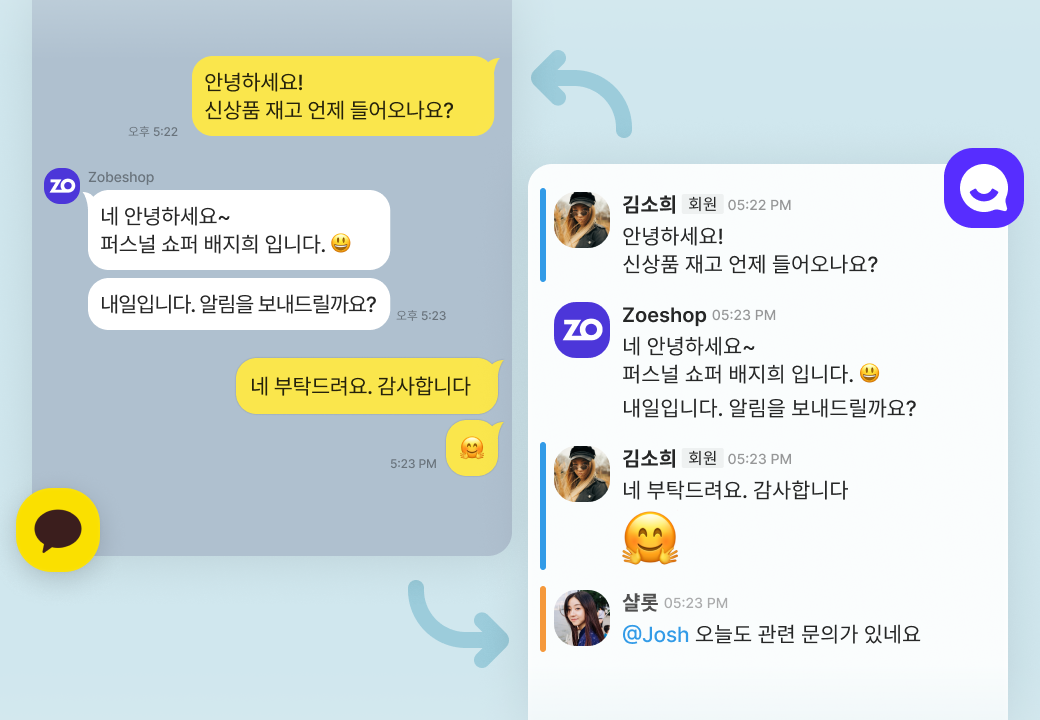
You can send and receive messages between Kakao CS Talk and Channel Talk. In addition to transferring files and operating CS inquires, workflows and business hours are also applied.
You can use Kakao Infotalk for Follow-up notifications or marketing. You can send informational messages such as orders, payments, and delivery status to customers who aren't Kakao friends. You can also use the basic templates provided by Channel Talk and set your own messages if you want. Channel Talk aims to provide the lowest price!
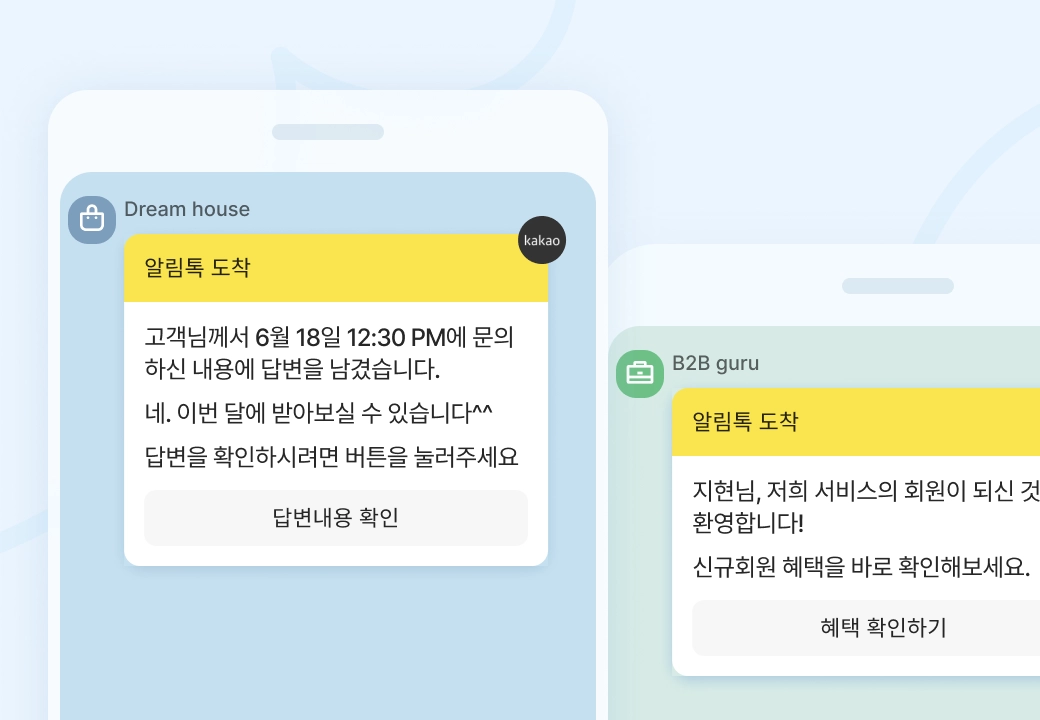
Send promotional messages to Korean customers via KakaoTalk Channel. Leverage customer data stored in ChannelTalk to send personalized messages. Deliver your Brand Message with eye-catching images. Brand Messages are sent only to customers who are friends with your Kakao Channel. (Pricing varies by message type)

Your Kakao Channel must be a Business Channel. If the same channel is connected through another provider, check that connection before proceeding.
Kakao 상담톡 is available after the customer requests support or starts a conversation. For order or shipping notifications, use the appropriate message feature, such as 알림톡.
You need the customer’s mobile phone number. Prepare a suitable template and review it in the app’s 알림톡 settings.